

Document Translation Without the Rebuild
Keep Your Document.
Change the Language.
Translate Word, Excel, PowerPoint, PDF, and image files without losing the formulas, formatting, or layout that make them usable.
No card required · Free credits every month · Exact cost shown before you translate
- Same file type in. Same file type out.
- Formulas and numbers protected.
- Files deleted automatically within 24 hours.
Translation Should Not Create Another Day of Work
Copying translated text back into a document is where the damage happens: formulas are overwritten, tables move, slides overflow, and carefully formatted pages fall apart.
Lingivio translates inside the original file. You download a document your team can keep working with, not a block of text someone has to rebuild.
Before Lingivio
- Copy text into a translator.
- Rebuild the document manually.
- Repair formatting and formulas.
- Check every number and code.
With Lingivio
- Upload the original file.
- Choose the target language.
- Review the price before you start.
- Download the translated file.
One Translation Workflow for the Files Your Business Actually Uses
Don't Take Our Word for It. Open the Files.
Compare real source and translated documents produced by the same system you will use. Download both versions, inspect the formulas and formatting, and decide for yourself.
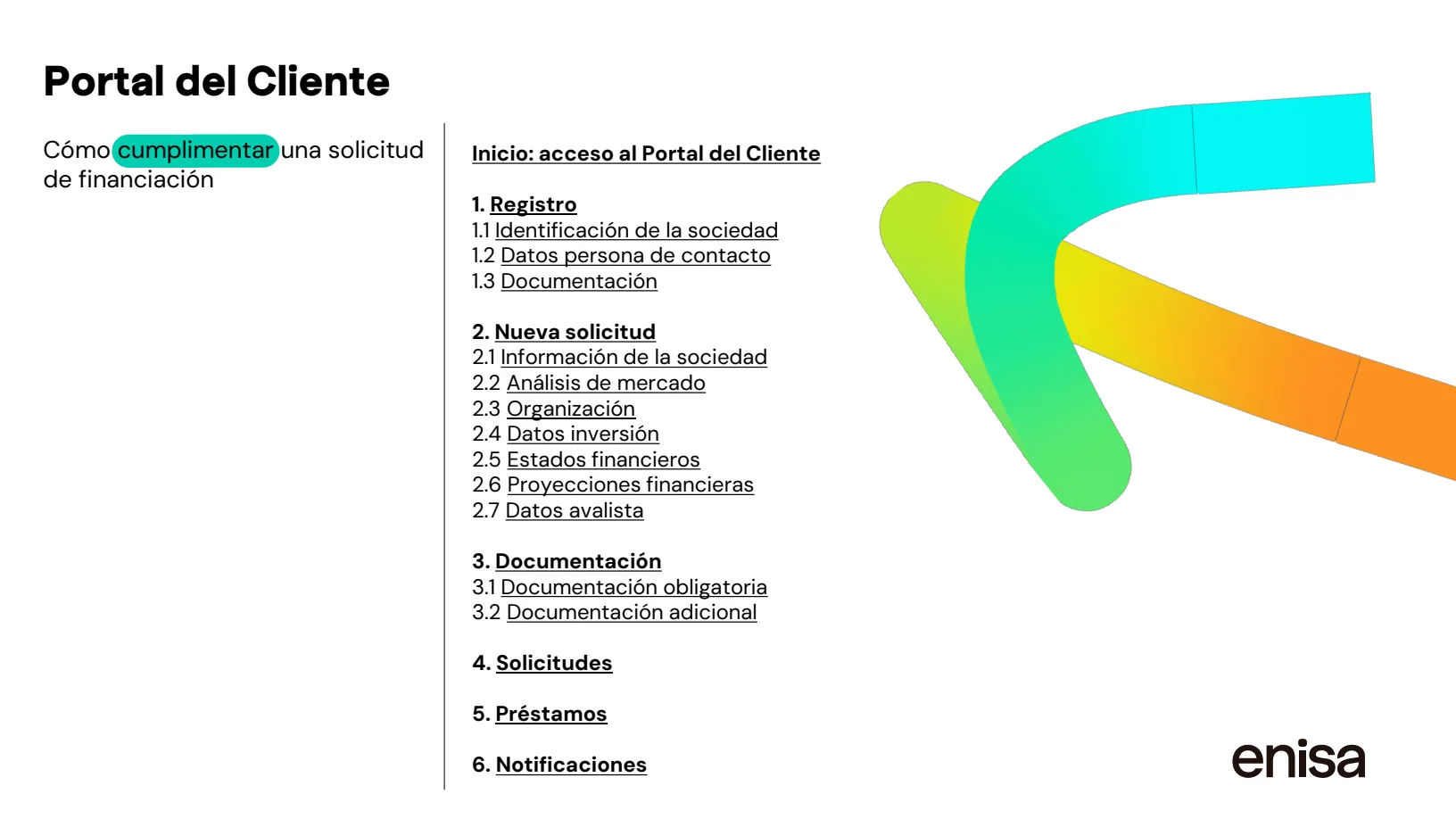
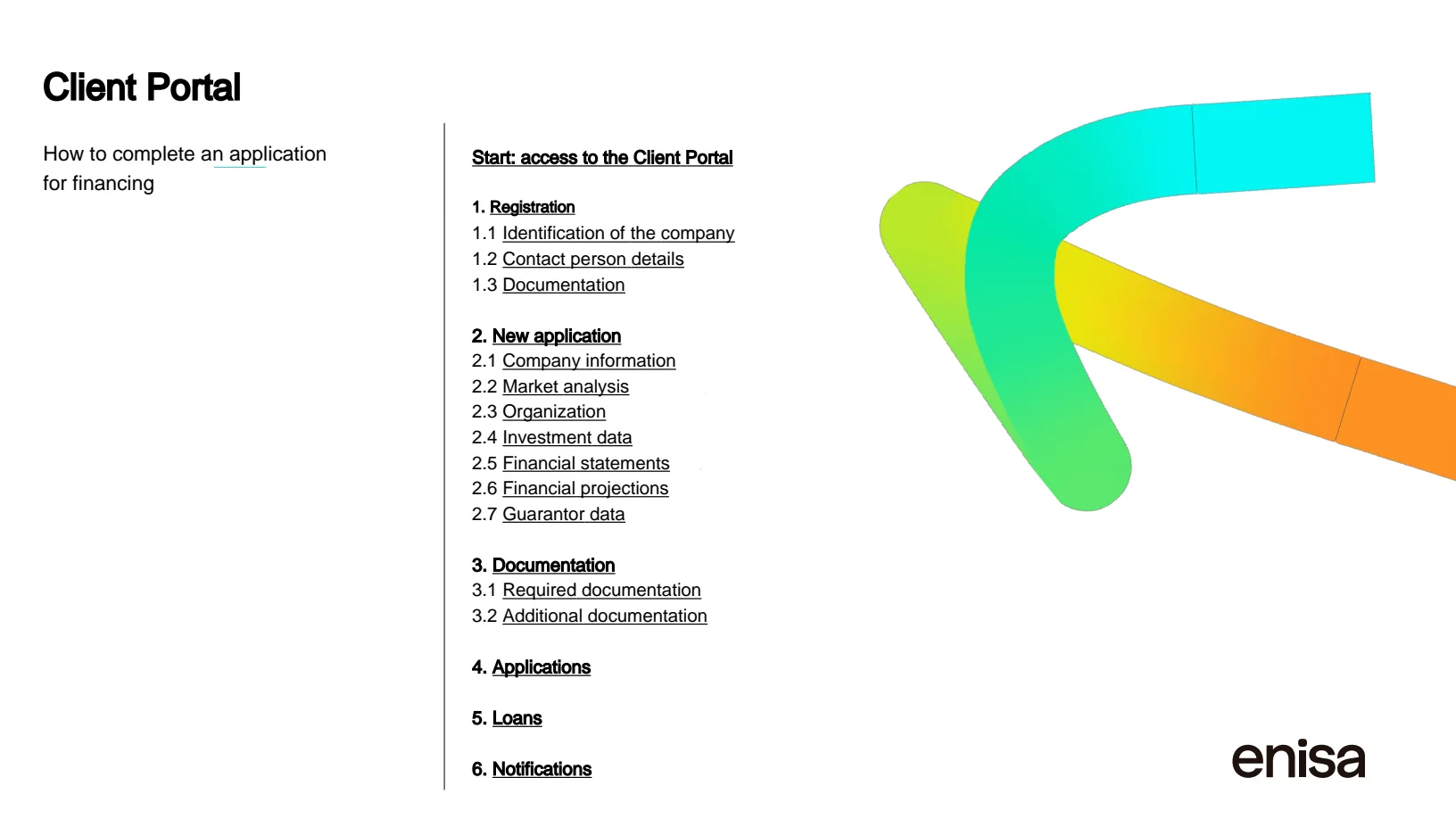
Drag the seam — a Spanish grant guide, translated. Nothing else moved.
From Upload to Usable Document in Three Steps
The same three steps for every supported format. The cost is shown before anything starts.
-
Upload Your File
Add a supported document. Lingivio identifies what can be translated and calculates the exact credit cost.
-
Choose Your Language and Review the Cost
Select the target language and review the exact credit cost calculated from your file. Nothing begins until you approve it.
-
Download the Translated File
Receive the same type of document with its structure preserved. Every finished job shows what you were charged and flags anything worth checking; the API returns the detected languages and segment counts for every job.
Built for Documents Where “Close Enough” Creates More Work
Your Files Are Processed for You, Not Used to Train a Model
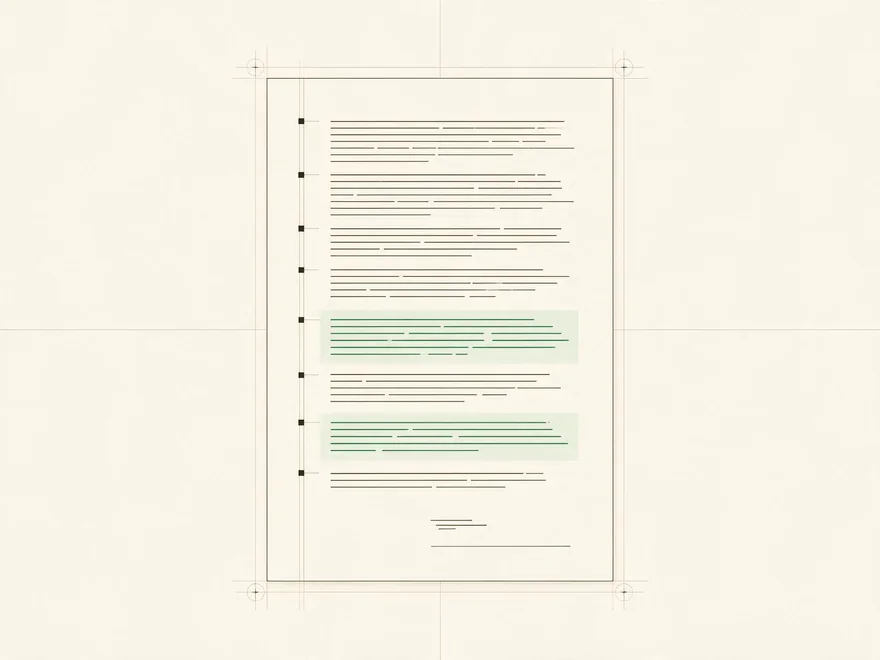
Customer documents are not used as training data. Uploaded and generated files are automatically deleted within 24 hours. Numbers, formulas, product codes, URLs, and email addresses are protected from translation and checked before a job is completed.
Read About Security and File Handling
Start With a Real Document, Free
Start with 3 credits per month on the Free plan. Paid plans start at $10 per month, and you'll see the exact credit cost before each translation begins.
Frequently Asked Questions
- Will I Get the Same Type of File Back?
- Yes. A Word document remains a Word document, a spreadsheet remains a spreadsheet, and a presentation remains a presentation.
- Can Lingivio Translate a Spreadsheet Without Breaking Its Formulas?
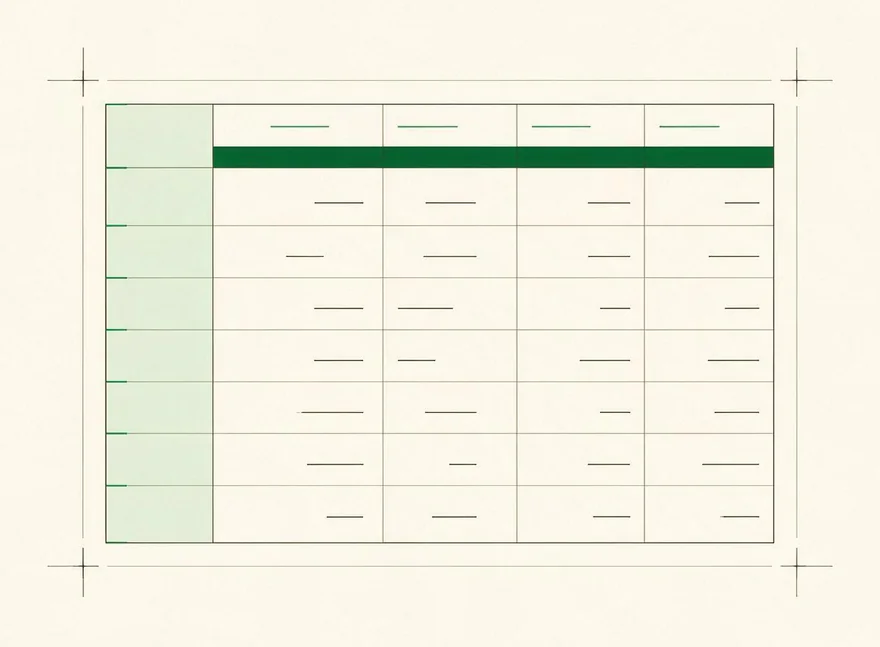
- Lingivio translates text cells while formulas are kept out of the translation step and restored unchanged. The finished workbook is verified before delivery.
- Does It Work With Scanned PDFs?
- Yes, on plans that include OCR. Scanned pages use 2 credits per page because the text must first be read from the image. Clean scans translate well; heavily degraded photocopies and handwriting come back partly untranslated or are refused without charge.
- Is This a Certified Translation Service?
- No. Lingivio produces machine-translated documents and does not provide sworn or human-certified translations. Use the result as a strong draft and review important content before relying on it.
- What Happens to My Files?
- Files are automatically deleted within 24 hours and are not used as model-training data.
Related Pages
Document Formats
By what you are doing
Your Translated Document Should Still Be Your Document.
Upload one now and see the exact cost before you begin.
No card required.