

Translate Every Slide Without Rebuilding the Presentation
Upload a PowerPoint presentation and receive a translated PPTX file with its slide structure preserved. Text is written back at its original size; when a translation may not fit its box, the job flags that slide so you can check it. Nothing is shrunk silently.
What Stays Intact
- Slide order and presentation structure
- Slide layouts and positioned elements
- Images and supported visual content
- Numbers, codes, URLs, and email addresses
- The original PPTX output format
What Survives When You Translate PowerPoint (.pptx)
- Slide masters, layouts and placeholder geometry are untouched; text is replaced inside the shapes it already lived in.
- Speaker notes are translated with the deck rather than left in the source language for the presenter to find on stage.
- Tables, grouped shapes and diagram text are reached individually rather than flattened into one block.
- Images, video and background graphics are left exactly as they were. Only text nodes change.
How It Works
- 1.
Upload Your PPTX File
Lingivio checks the presentation, detects its source language, counts the slides, and shows the exact credit cost.
- 2.
Choose the Target Language
Select from the supported target languages and approve the displayed cost.
- 3.
Download the Translated Presentation
Open the translated PPTX file in PowerPoint and review each slide in its original presentation structure.
Plans and Credit Cost
PowerPoint translation is included with Professional, Business, and Enterprise plans. A presentation uses 1 credit per slide, with a minimum charge of 1 credit per file.
Compare PlansSee It on a Real Document
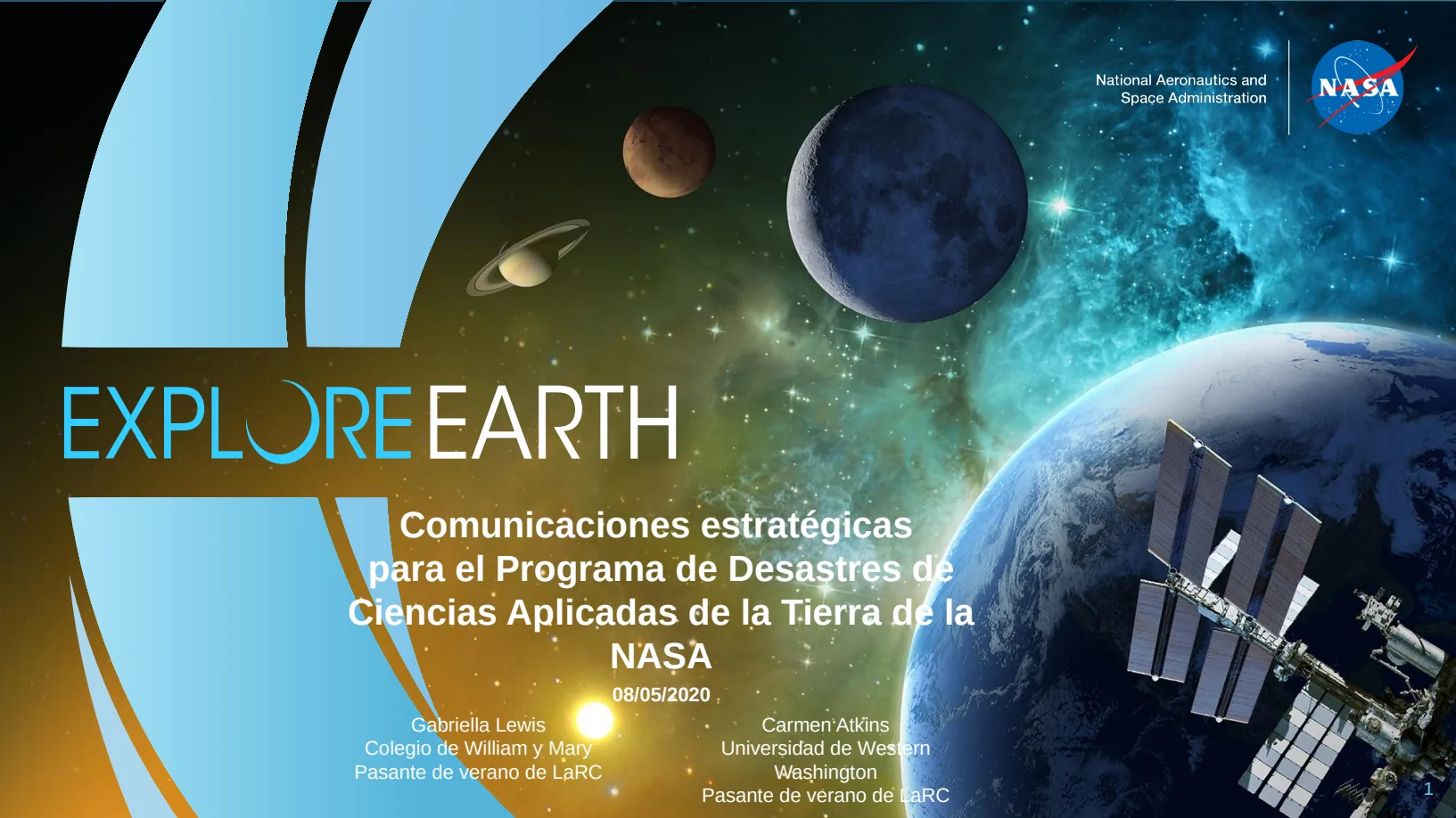
The before and after below is a real PowerPoint (.pptx) file this engine translated (English to Spanish). The examples page has the files themselves.

What This Does Not Do
- Translated text is often longer than the source. Where a slide was already full the text can overflow its shape, and we do not silently shrink it to hide that.
- Anything the verify stage cannot confirm falls back to the source text, visible and untranslated. A file that looks finished but is not is the one outcome we will not ship.
Questions
- Does Lingivio return a PowerPoint file?
- Yes. A PPTX presentation is returned as a translated PPTX presentation.
- What happens when translated text is longer?
- Text is written back at its original size; when a translation may not fit its box, the job flags that slide so you can check it. Nothing is shrunk silently.
- Which languages are available for PowerPoint?
- PowerPoint output currently supports all 25 target languages offered by Lingivio.
- Are images and slide layouts preserved?
- Supported images, positioned elements, slide order, and layouts remain part of the translated presentation.
- What happens to my file afterwards?
- Uploaded and generated files are automatically deleted within 24 hours, and are never used to train a model.
Translate Every Slide Without Rebuilding the Presentation
Upload your file to see the supported languages and exact credit cost before translation begins.
Free credits every month · no card required