

Research and Education
Translate the Research, Not the Formatting Around It.
Translate reports, papers, grant documents, learning materials, and presentations without recreating every table, page, or slide.
- Preserve document structure, tables, citations, and page layout.
- Translate text-based or scanned PDFs.
- Review the translated file in the application your team already uses.
Machine-translated academic, medical, financial, or safety-critical content should be reviewed by a qualified person before use.
What Stays Intact
- Output is produced by removing the original text and drawing the translation back into the same box, so page geometry, images and vector art are the originals.
- A dual mode puts the original page beside the translated one, which is what you want when you are checking a document rather than replacing it.
- Born-digital pages are read from the text layer; scanned pages are routed to OCR automatically, page by page, inside the same file. Text-layer pages are read exactly. OCR pages are best-effort — a line the recogniser cannot read stays in the source language — and they are billed in full either way.
- A block we cannot translate confidently keeps its original pixels: visibly untranslated, never filled with a guess.
Where It Stops
- Scanned pages and images are best-effort: on dense or degraded scans a share of lines is never extracted at all. Those lines stay in the source language on the page rather than being guessed at, and the page is charged in full whatever OCR reads off it. We do not promise a scan comes back 100% translated. Born-digital pages carry no such caveat.
- Handwriting-style Nastaliq — Urdu in particular — is not read reliably by any OCR we have tested. Those files fail with an explicit error instead of returning something that merely looks translated.
- Anything the verify stage cannot confirm falls back to the source text, visible and untranslated. A file that looks finished but is not is the one outcome we will not ship.
Documents This Covers
The pages below describe what survives in the file types this work usually arrives in, and where the limits are.
See It on a Real Document
A real PDF file this engine translated (Spanish to English); the examples page has the download.
Source documentENISA Loan Application Guide
Page
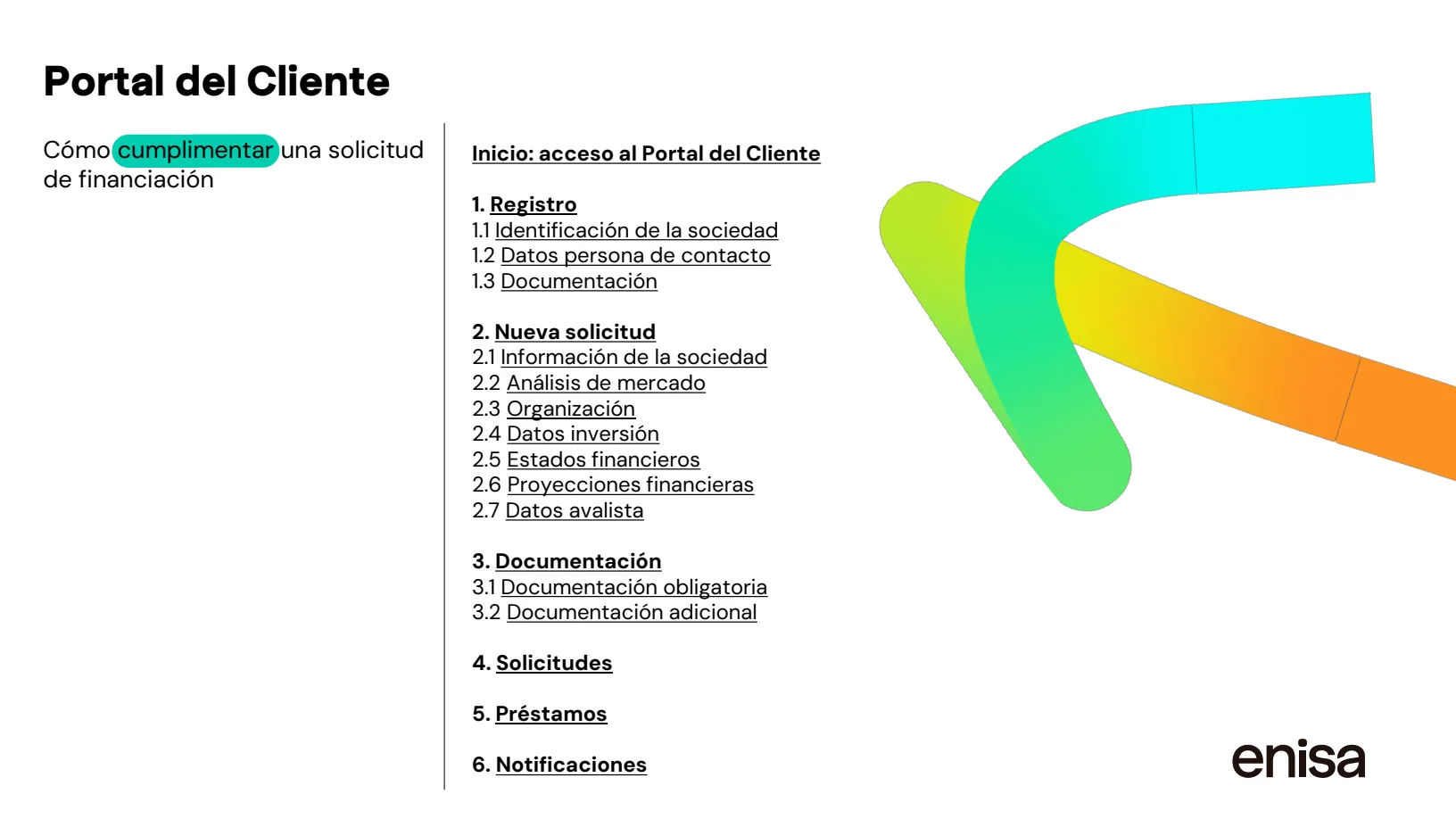
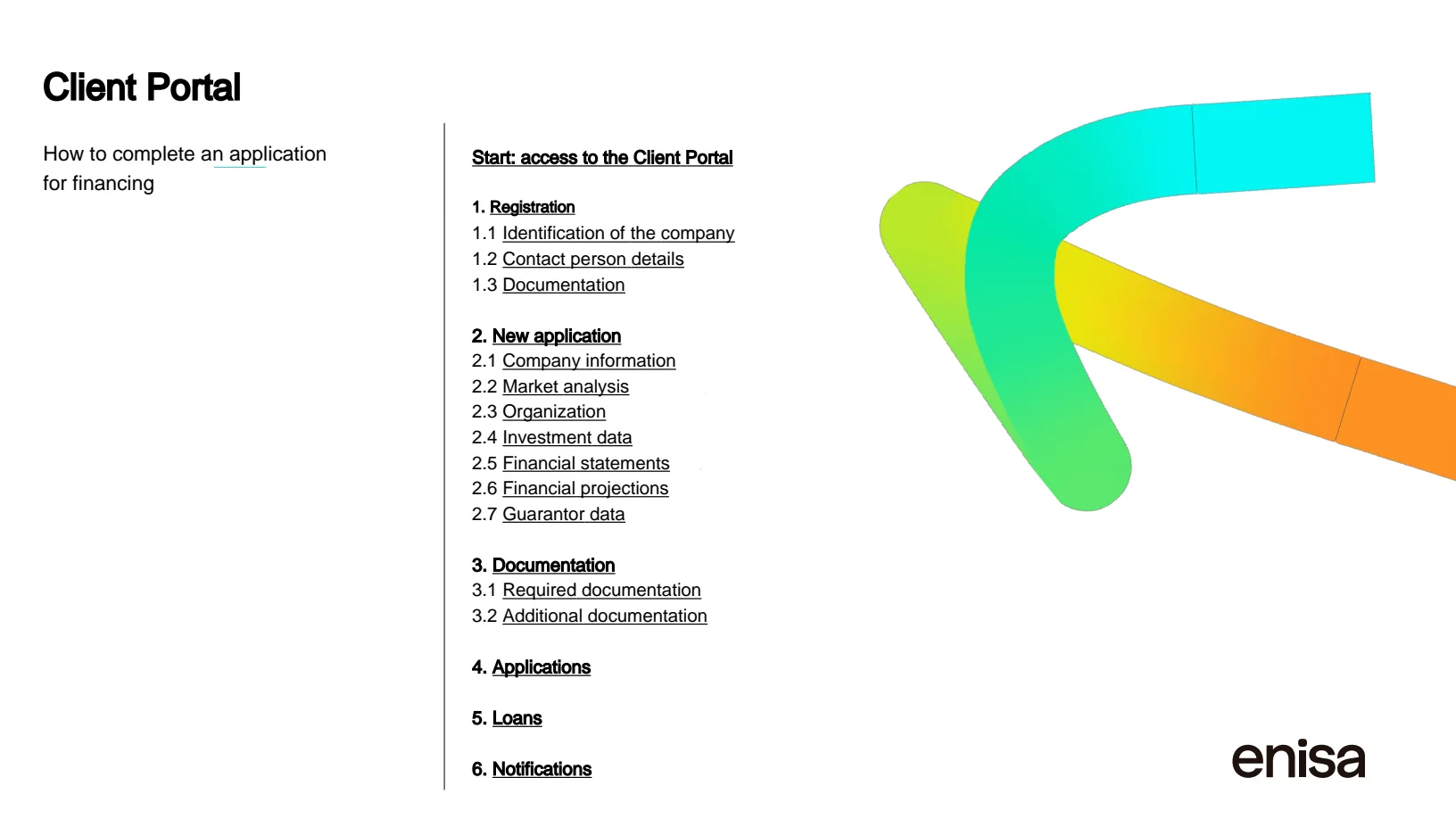
Original · ESTranslated · EN
Source: public applicant guide published by ENISA (Spain). Translated by Lingivio, Spanish to English, no manual clean-up.
Frequently Asked Questions
- Can I Keep the Original Page Next to the Translation?
- Yes. PDF output offers a dual mode that puts the original page beside the translated one, so a citation or a figure caption can be checked against the source without switching files.
- Is This Suitable for Academic or Medical Content?
- The result is machine translation. Machine-translated academic, medical, financial, or safety-critical content should be reviewed by a qualified person before use.
- Which Languages Can a PDF Be Translated Into?
- PDF and image output currently offers 20 target languages; Word, Excel, PowerPoint, and supported text formats offer 25. The language selector shows only the combinations available for your file.
Your Translated Document Should Still Be Your Document.
Upload a file, choose the language, and see the exact cost before you begin.