

Translate PowerPoint (.pptx) and Keep the Layout
Text is replaced where it already sits rather than re-flowed into a new document, so pages, columns, tables and images stay where the author put them.
What Survives When You Translate PowerPoint (.pptx)
- Slide masters, layouts and placeholder geometry are untouched; text is replaced inside the shapes it already lived in.
- Speaker notes are translated with the deck rather than left in the source language for the presenter to find on stage.
- Tables, grouped shapes and diagram text are reached individually rather than flattened into one block.
- Images, video and background graphics are left exactly as they were. Only text nodes change.
See It on a Real Document
The before and after below is a real PowerPoint (.pptx) file this engine translated (English to Spanish). The examples page has the files themselves.
Source documentNASA Earth Science Disasters Deck
Page

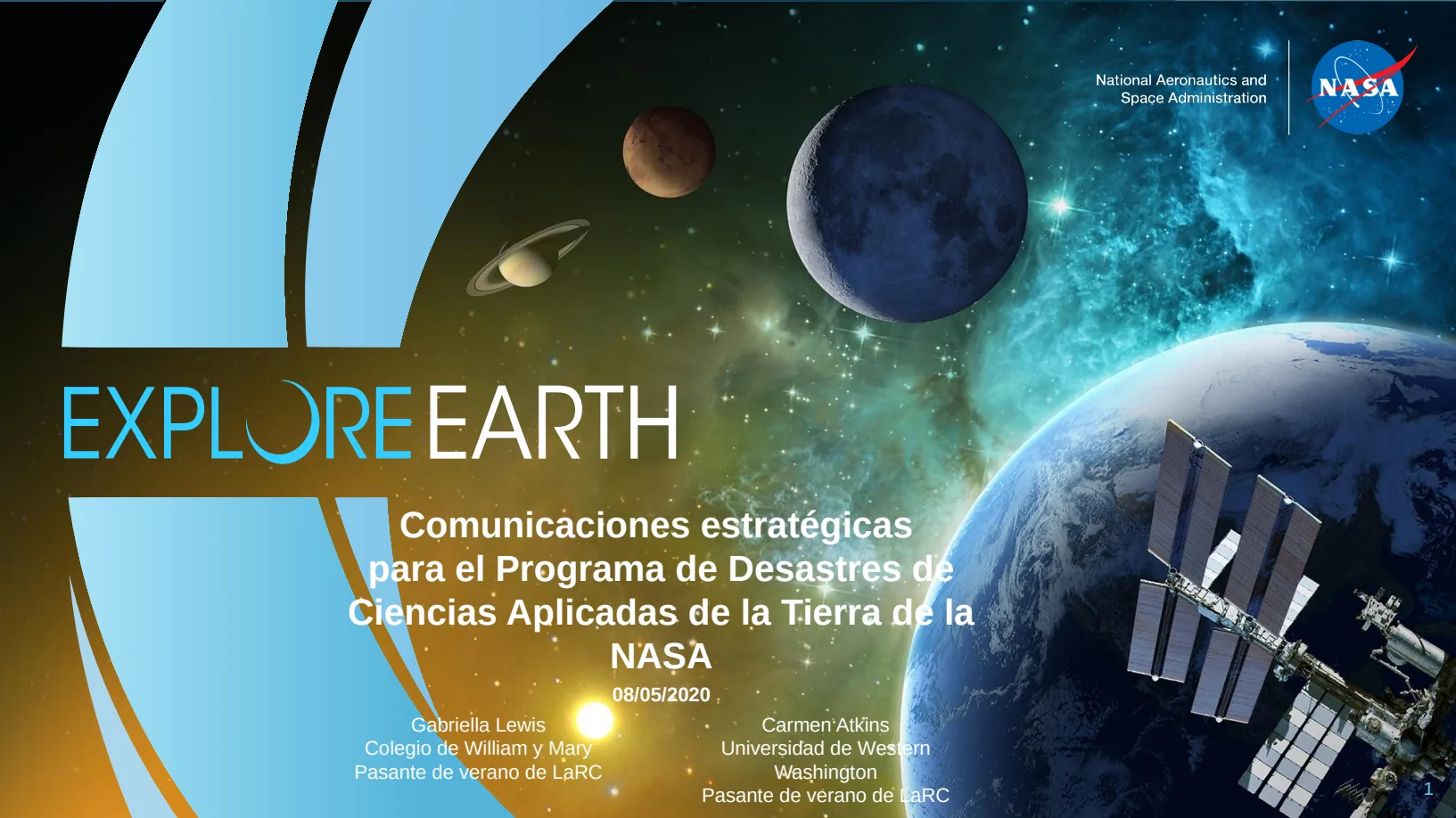
Original · ENTranslated · ES
Source: presentation published by NASA (public domain). Translated by Lingivio, English to Spanish, no manual clean-up.
What This Does Not Do
- Translated text is often longer than the source. Where a slide was already full the text can overflow its shape, and we do not silently shrink it to hide that.
- Anything the verify stage cannot confirm falls back to the source text, visible and untranslated. A file that looks finished but is not is the one outcome we will not ship.
Questions
- Do the Layout Survive Translating a PowerPoint (.pptx)?
- Text is replaced where it already sits rather than re-flowed into a new document, so pages, columns, tables and images stay where the author put them.
- What happens to my file afterwards?
- Uploaded and generated files are automatically deleted within 24 hours, and are never used to train a model.
Try It on Your Own File
No card and no per-file character minimum. If a segment cannot be translated confidently you will see it fall back, rather than a green tick over a guess.