

Translate PNG, JPEG and WebP images From Chinese to German
Upload a PNG, JPEG and WebP images file in Chinese and download the same file in German. This page sets out exactly what “the same file” means for this format, this source language and this target — including what still does not work.
What Survives When You Translate PNG, JPEG and WebP images
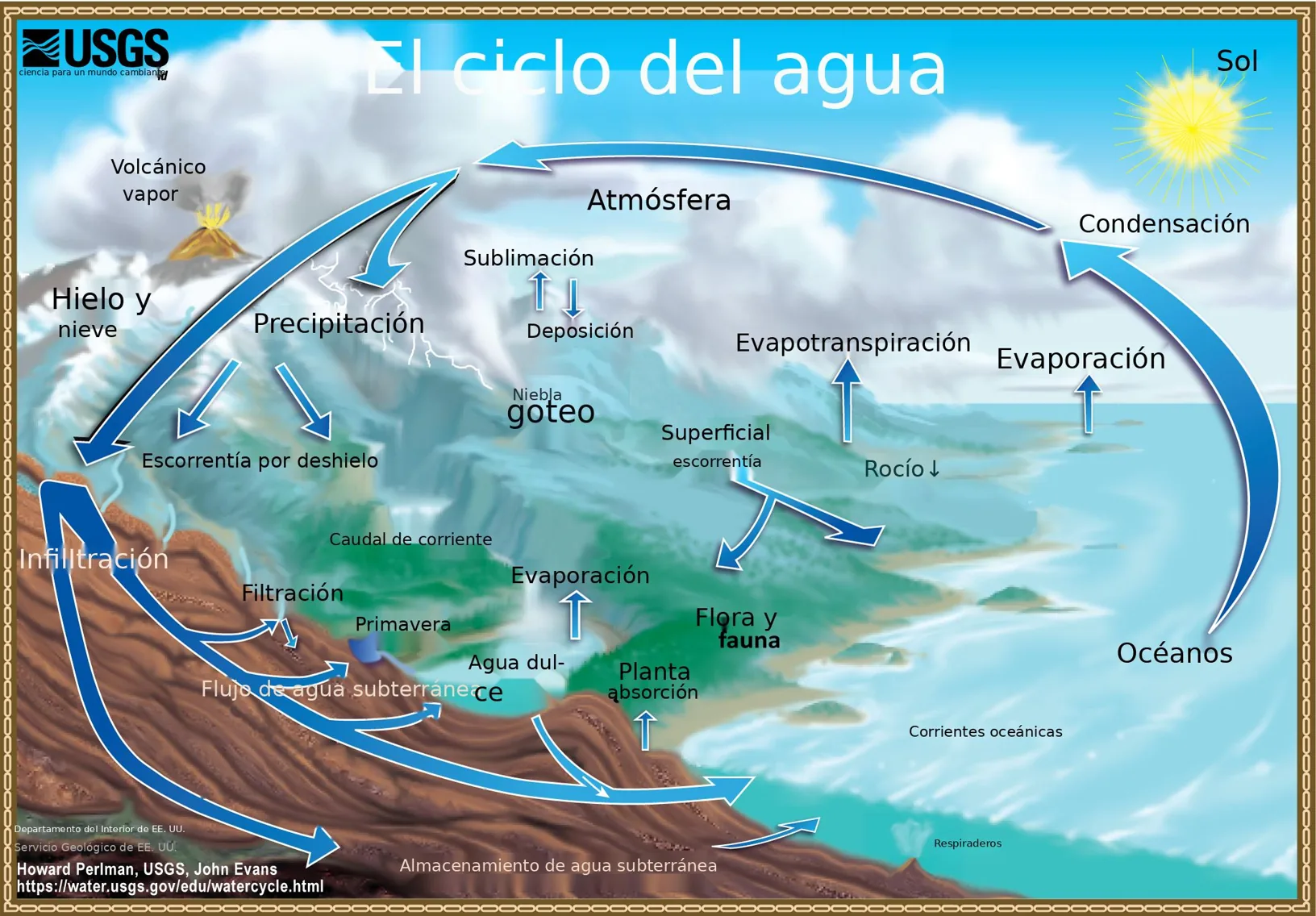
- Text is read by OCR at two scales and the results are merged, because recall is not monotonic in resolution and each pass finds lines the other drops.
- The background under replaced text is repaired texture-aware, so a photograph or a gradient behind a caption is not flattened into a grey rectangle.
- Solid graphics under a label — an arrow, a rule, a filled shape — are rebuilt rather than erased along with the text.
- Where OCR cannot read a region, the original pixels stay: an untranslated line, never an invented one.
Producing German
PNG, JPEG and WebP images output is drawn by us, glyph by glyph, with the fonts we ship, so the target has to be a script those fonts render. German is one of them: Latin, Cyrillic and Greek targets are available in every format we support, PDF and images included.
Which Languages Each Format SupportsReading Chinese
Chinese is written with CJK characters. Dense glyphs at low resolution are the hardest case for OCR, so a scanned Chinese document is the one most likely to leave a few lines untranslated; a born-digital file has no such problem.
If the PNG, JPEG and WebP images is a scan rather than a born-digital file, its pages go to OCR first. That is best-effort: on clean scans it works well; on dense or degraded ones a share of lines is never extracted and stays in Chinese on the page, and the page is billed in full either way.
See It on a Real Document
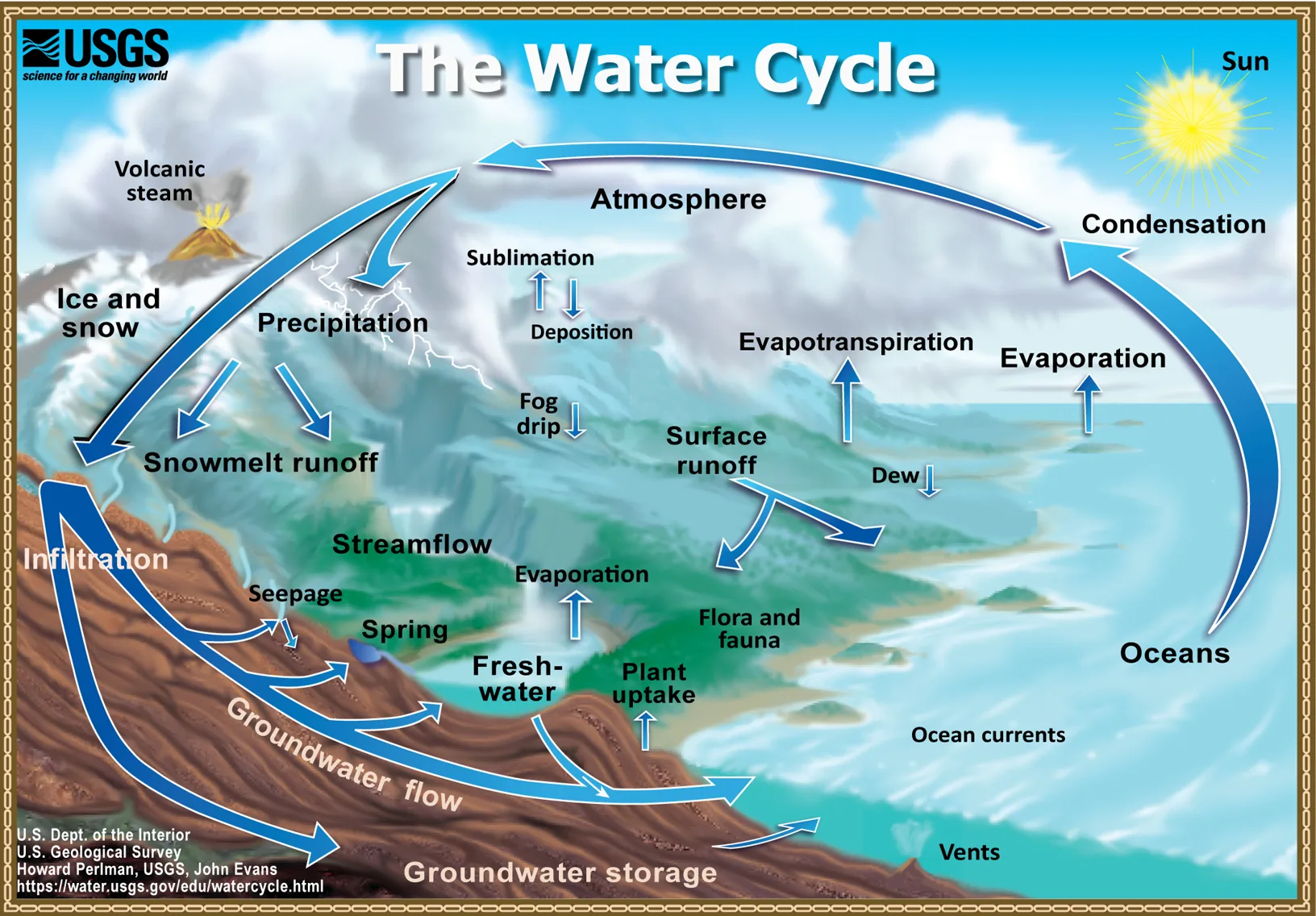
The before and after below is a real PNG, JPEG and WebP images file this engine translated, English to Spanish — the same format as this page, a different language pair. The examples page has the files themselves.
What This Does Not Do
- Scanned pages and images are best-effort: on dense or degraded scans a share of lines is never extracted at all. Those lines stay in the source language on the page rather than being guessed at, and the page is charged in full whatever OCR reads off it. We do not promise a scan comes back 100% translated. Born-digital pages carry no such caveat.
- Handwriting-style Nastaliq — Urdu in particular — is not read reliably by any OCR we have tested. Those files fail with an explicit error instead of returning something that merely looks translated.
- Anything the verify stage cannot confirm falls back to the source text, visible and untranslated. A file that looks finished but is not is the one outcome we will not ship.
Questions
- Is the translated PNG, JPEG and WebP images still a working file?
- Text is read by OCR at two scales and the results are merged, because recall is not monotonic in resolution and each pass finds lines the other drops.
- Can you produce German in PNG, JPEG and WebP images?
- PNG, JPEG and WebP images output is drawn by us, glyph by glyph, with the fonts we ship, so the target has to be a script those fonts render. German is one of them: Latin, Cyrillic and Greek targets are available in every format we support, PDF and images included.
- How do you read Chinese input?
- Chinese is written with CJK characters. Dense glyphs at low resolution are the hardest case for OCR, so a scanned Chinese document is the one most likely to leave a few lines untranslated; a born-digital file has no such problem.
- What happens to my file afterwards?
- Uploaded and generated files are automatically deleted within 24 hours, and are never used to train a model.
Try It on Your Own File
No card and no per-file character minimum. If a segment cannot be translated confidently you will see it fall back, rather than a green tick over a guess.