

Credits and What a File Costs
Credits are the only thing you spend. This page explains how many a document takes, how to see that number before you commit, and what happens to your credits when something goes wrong.
What Will My File Cost?
You never have to work it out. Once your file has been read, the translate button names the exact number of credits, and that is the number taken from your balance. There is no rounding surprise and no separate estimate: the figure on the button and the figure on the invoice are produced by the same count.
The table below is the whole rule. It is generated from the code that does the charging, so it cannot drift away from what you are actually billed.
How Credits Work
A credit is the unit we bill in. It is not a page count in disguise: what one credit covers depends on the kind of file, because the work does. Pages we have to read with OCR cost more, because they cost us more.Word (.docx)
1 credit per displayed page
1 per file
PDF with a text layer
1 credit per page
1 per file
Excel (.xlsx)
1 credit for every 3000 translatable characters on a worksheet
1 per worksheet
PowerPoint (.pptx)
1 credit per slide
1 per file
Scanned PDF (OCR)
2 credits per page
2 per file
JPG, PNG, WebP
2 credits per image
2 per image
Text (.txt), Markdown (.md), CSV, HTML, Subtitles (.srt)
1 credit per 3000 translatable characters
1 per file
Pictures inside a document
2 credits per picture, added to the document's own charge
2 per image
| File type | What we count | Smallest charge |
|---|---|---|
| Word (.docx) | 1 credit per displayed page | 1 per file |
| PDF with a text layer | 1 credit per page | 1 per file |
| Excel (.xlsx) | 1 credit for every 3000 translatable characters on a worksheet | 1 per worksheet |
| PowerPoint (.pptx) | 1 credit per slide | 1 per file |
| Scanned PDF (OCR) | 2 credits per page | 2 per file |
| JPG, PNG, WebP | 2 credits per image | 2 per image |
| Text (.txt), Markdown (.md), CSV, HTML, Subtitles (.srt) | 1 credit per 3000 translatable characters | 1 per file |
| Pictures inside a document | 2 credits per picture, added to the document's own charge | 2 per image |
What Will My File Cost?
You never have to guess. Drop the file in and the exact figure appears on the Translate button before you commit — and it is the same figure the ledger debits, because the quote and the charge are one calculation rather than two.A translation that fails or that you cancel is never charged — its reservation is released in full. Individual sentences that fail our checks come back in the original language inside an otherwise translated file, and that job is charged as normal.What Happens When You Run Out
New translations are refused with a message that says so. Nothing is queued, nothing is half-charged, and no work is started that cannot be paid for. Your monthly allowance refills at the start of each billing period.Spending order: your monthly allowance first, then any top-up credits. Monthly credits expire at the end of the period they were granted for; top-up credits never expire.Where Your Balance Lives
The number in the top bar is your balance on every screen. The billing screen has the detail: how much of it comes with your plan, how much you bought outright, and every movement in and out.
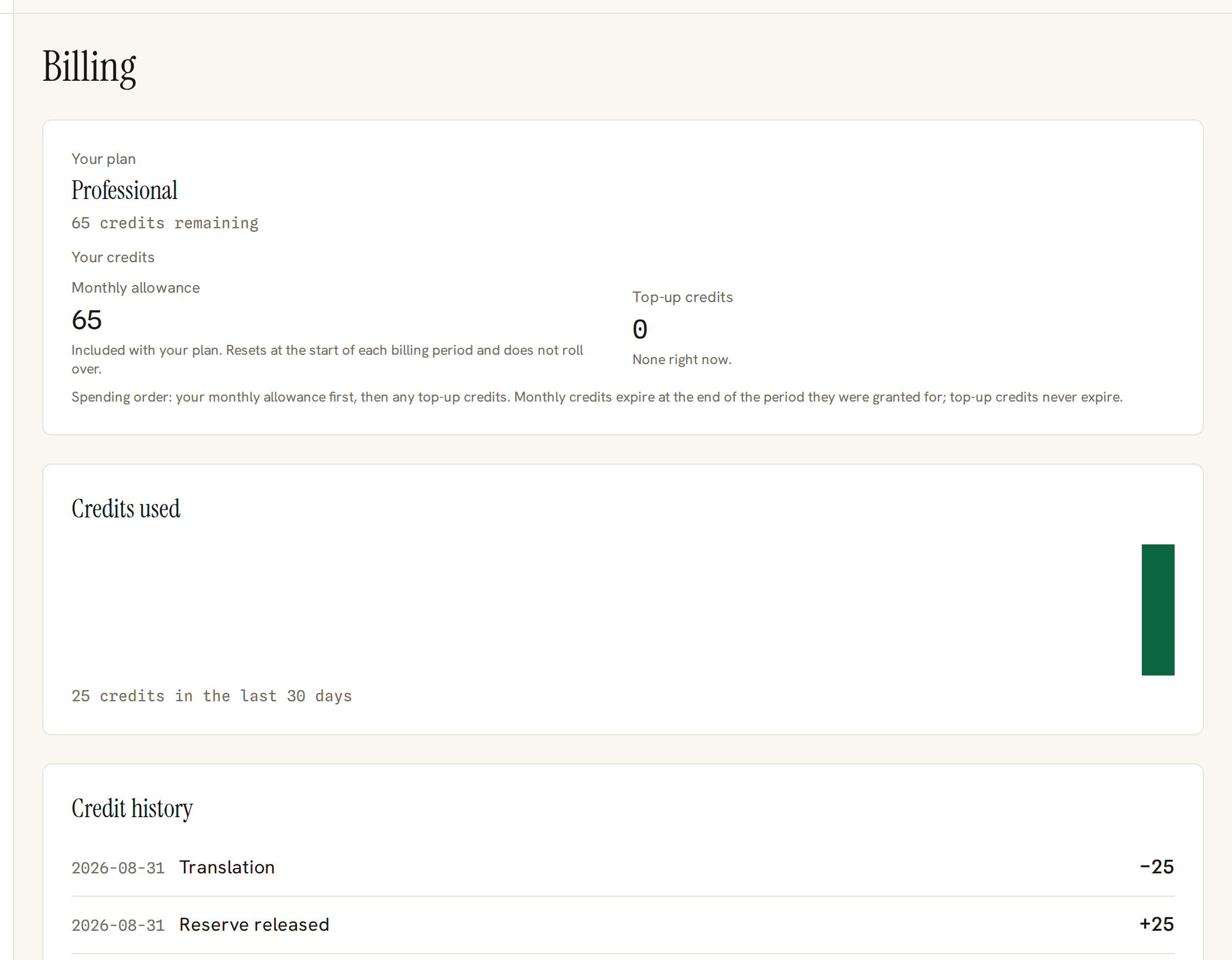
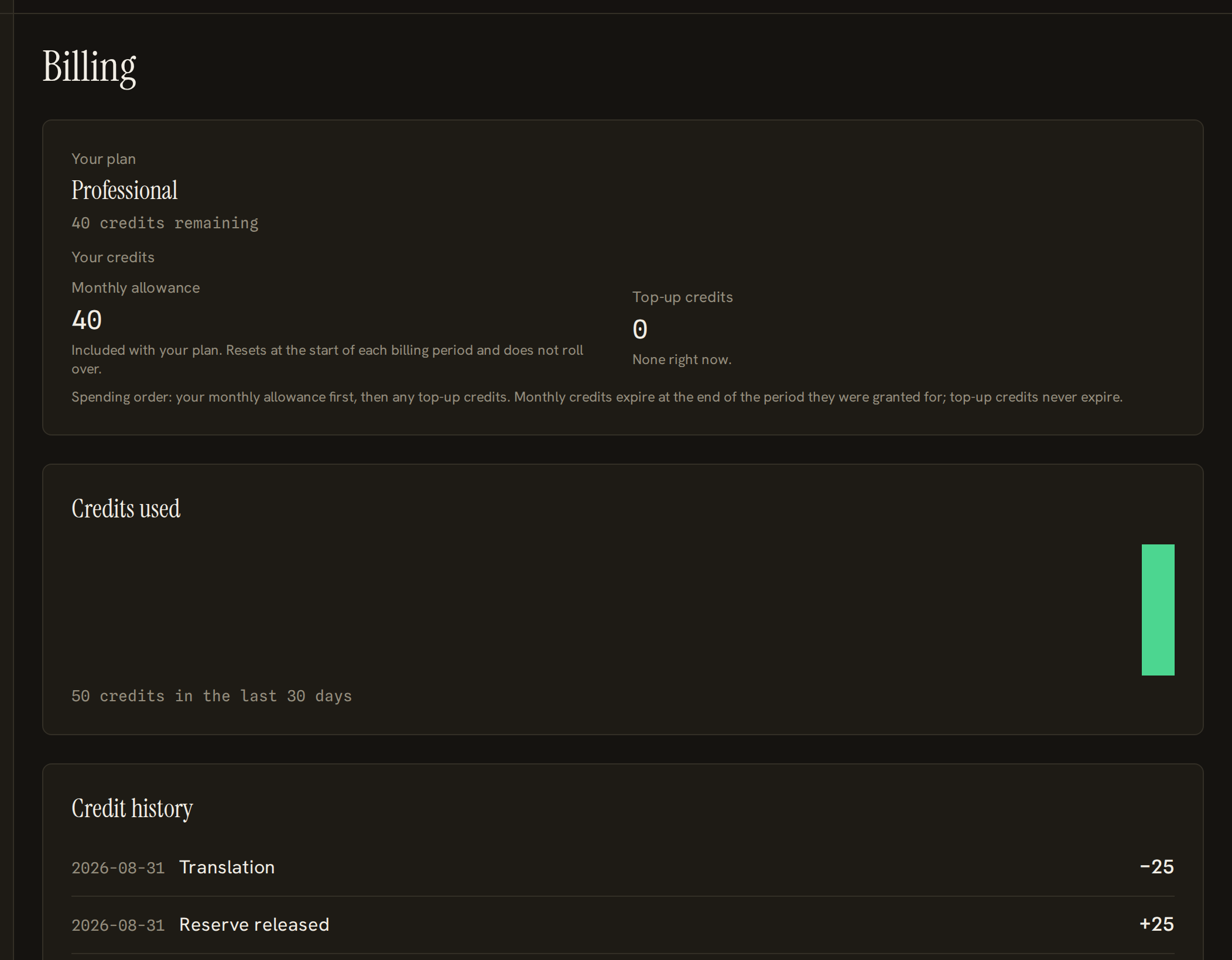
- 1Your balance, split into the credits that come with your plan and the credits you bought outright.
- 2Every movement of credit on the account, in order, including the ones that came back to you.
Two Kinds of Credit
Credits included with a plan arrive at the start of each billing period and do not roll over. Credits you buy as a top-up never expire. Spending always uses the plan's credits first, so the ones with a deadline are the ones that get used.
When Credits Come Back
- A translation that fails costs nothing. The credits set aside for it are returned, and the message tells you so.
- Cancelling a running translation returns whatever was not used.
- A file we refuse before starting — the wrong type for your plan, too large, locked with a password — never reserves anything in the first place.
- A document that turns out to be in the language you asked for is not translated and not charged.